Purchase & Activation Guide for C# Obfuscator Master
Purchase Guide
Coupon Benefit
First-time email verification automatically grants a no-minimum $5 coupon
C# Obfuscator Master offers multiple licensing options. You can purchase the software through the following steps:
Go to the Self-Service Purchase Page
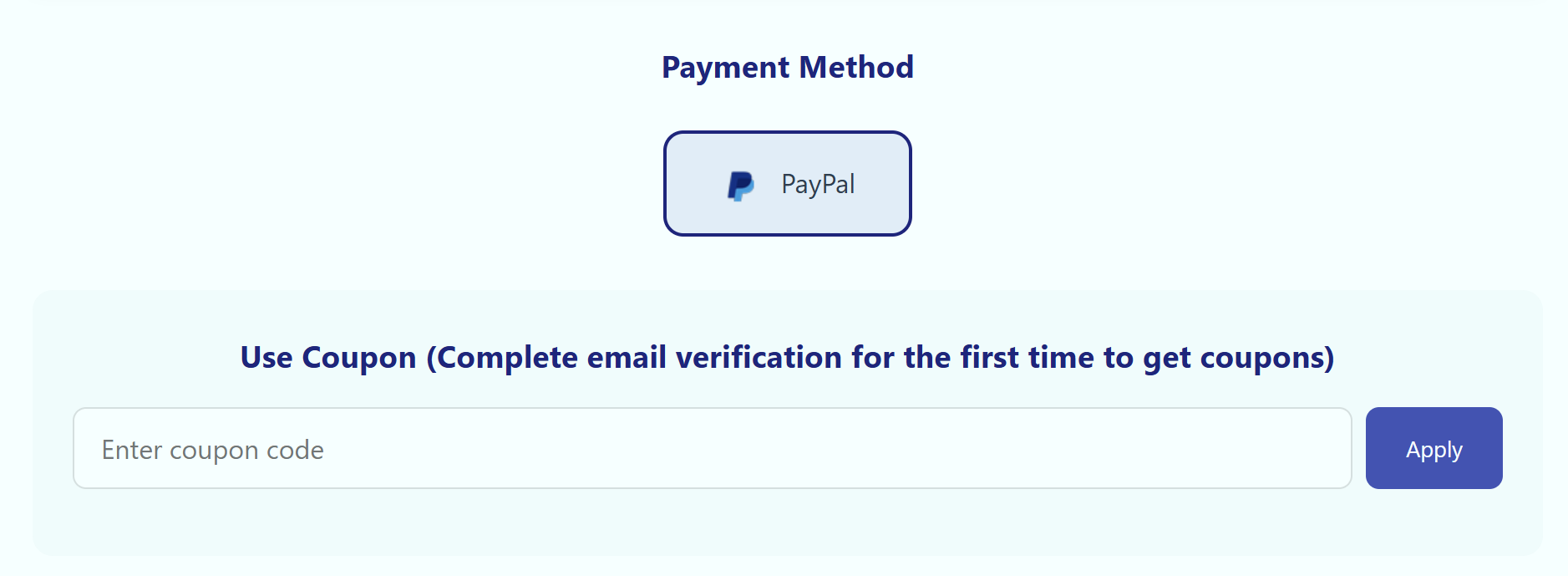
Visit the self-service purchase page, select the license duration and payment method.
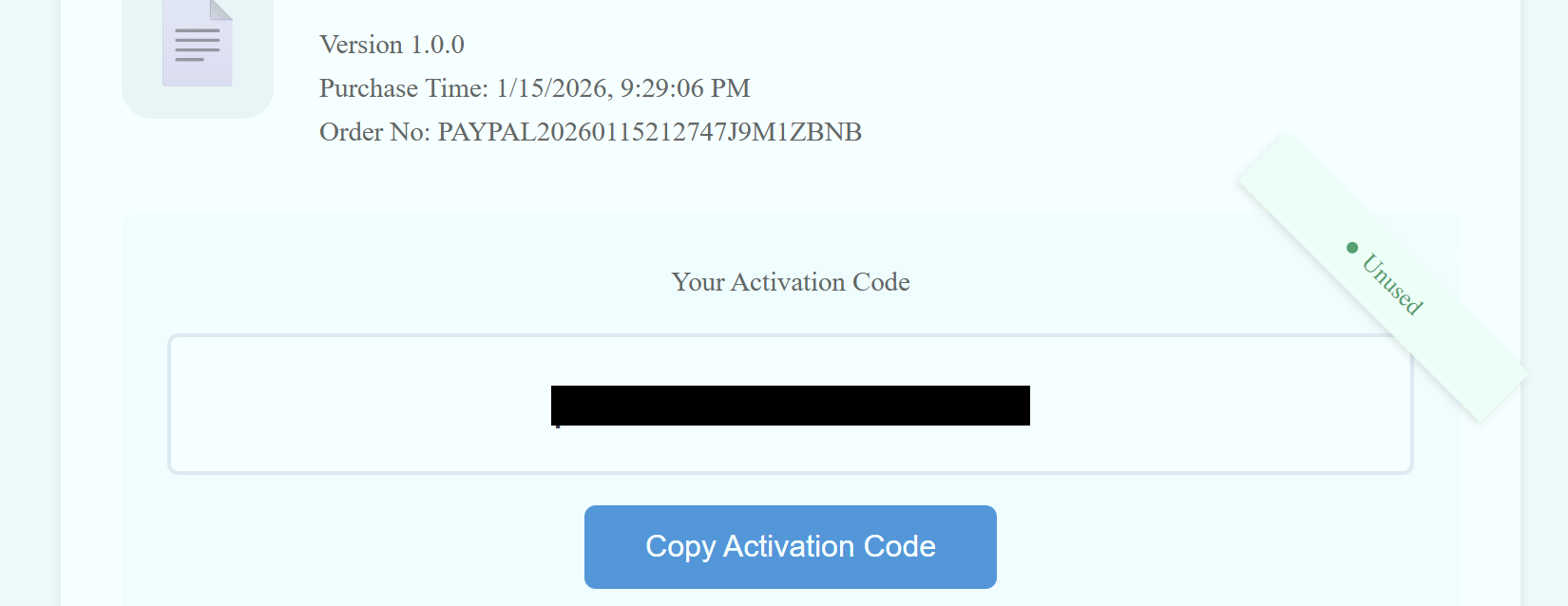
Purchase Complete — Copy the Activation Code
After purchase, you will be redirected to the activation code page. Copy the activation code shown there.
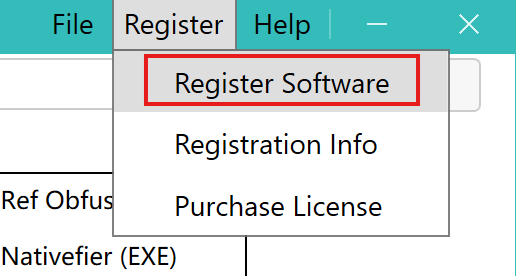
Find the Register Button in the Software
In the software menu, click Register Software → Register Software.
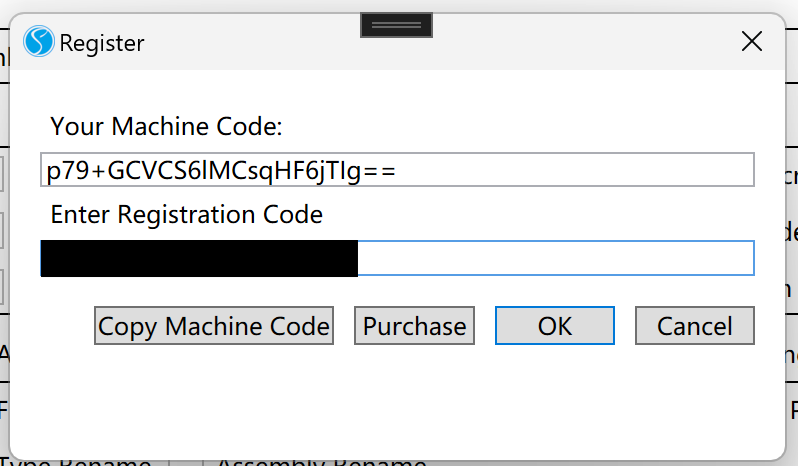
Enter the Activation Code
Enter the purchased activation code and click OK to activate the software.
Activation Successful
The software title bar displays Pro Edition, indicating the software has been successfully activated.
