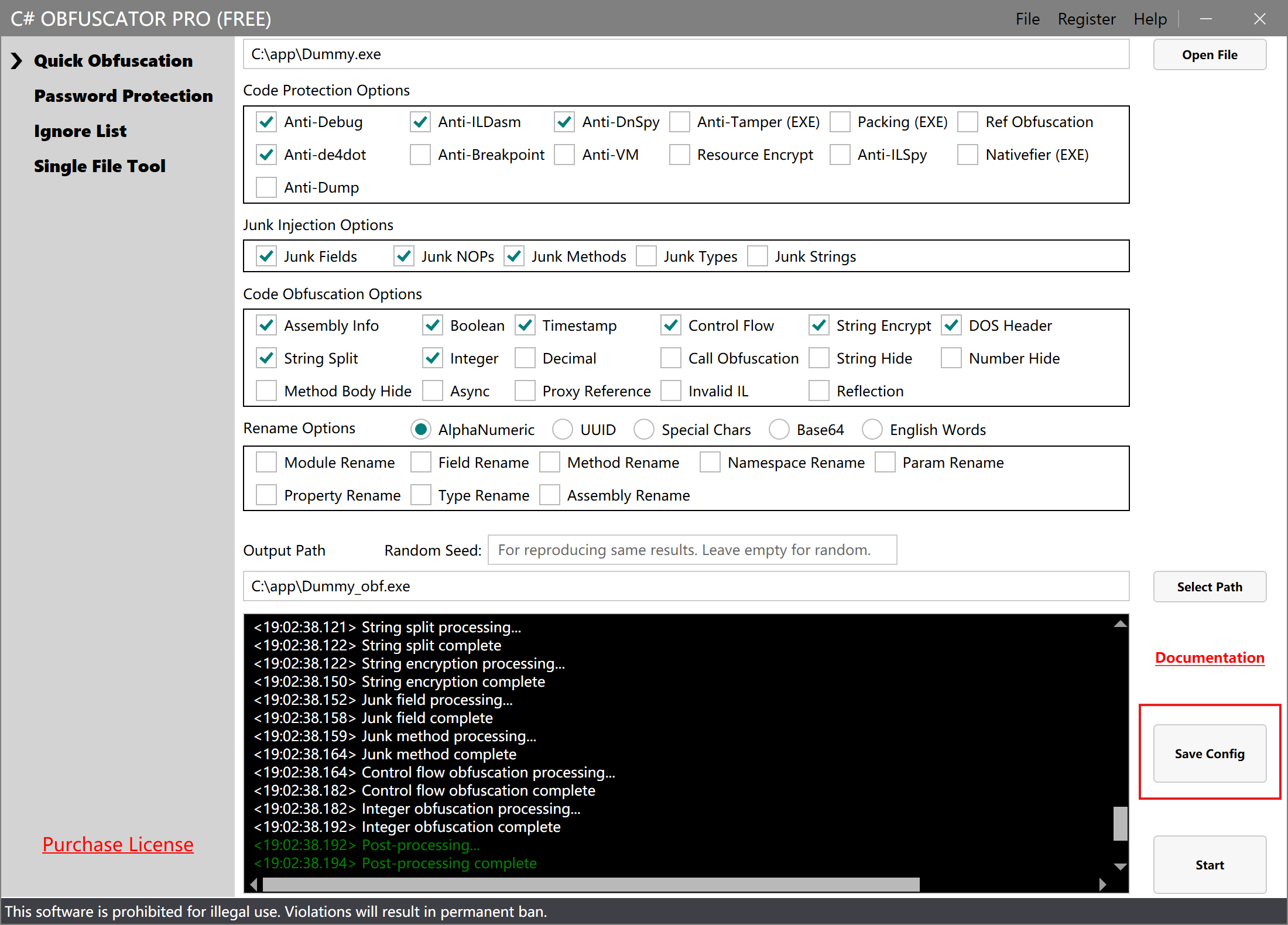
DLL/EXE File Obfuscation
C# Obfuscator Master can obfuscate and encrypt DLL or EXE files written in C#, protecting your code security.
Open a File
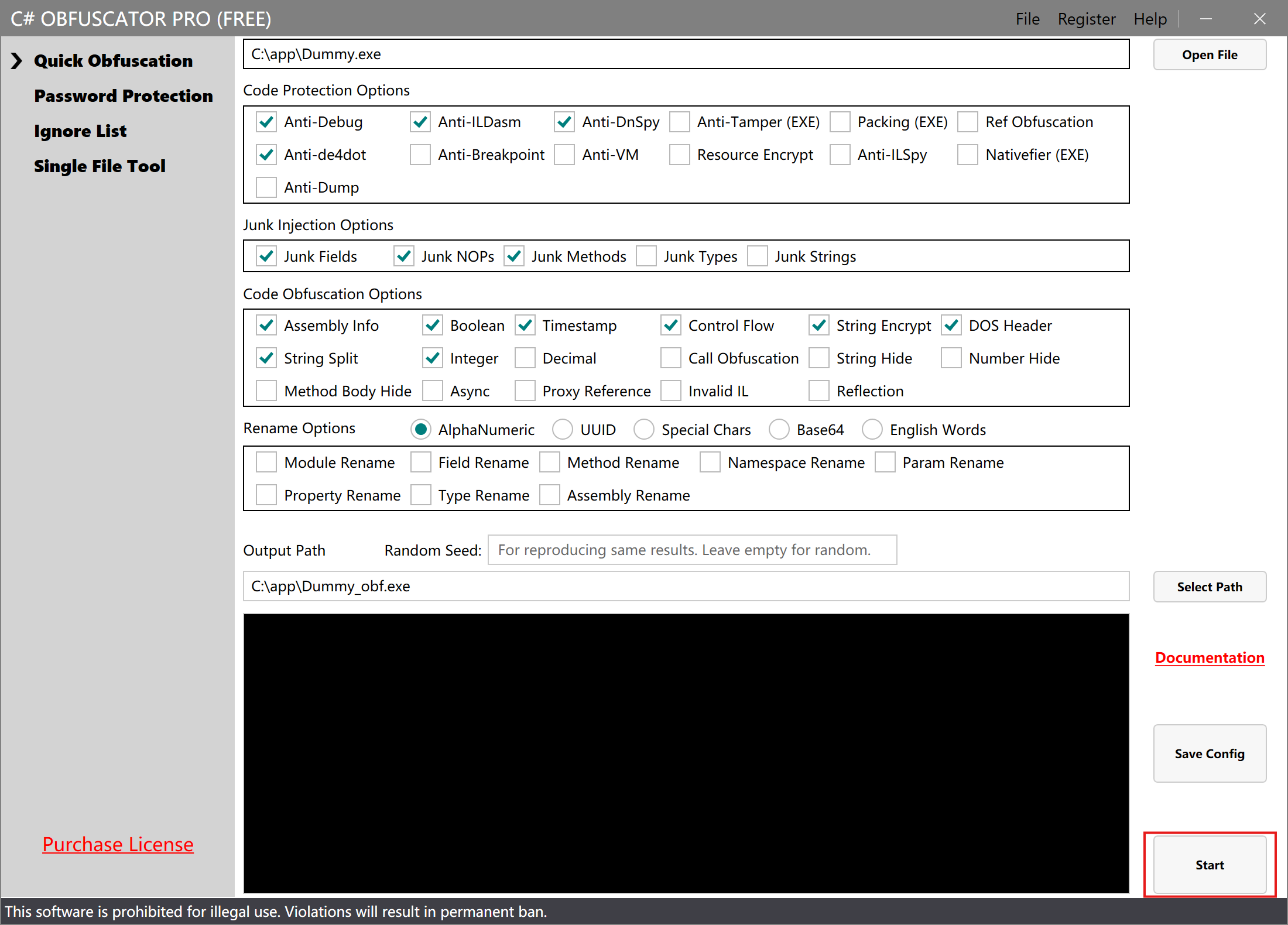
- Launch the software and wait for initialization to complete. Click the Open File button in the upper-right corner and select the EXE or DLL file you want to encrypt.
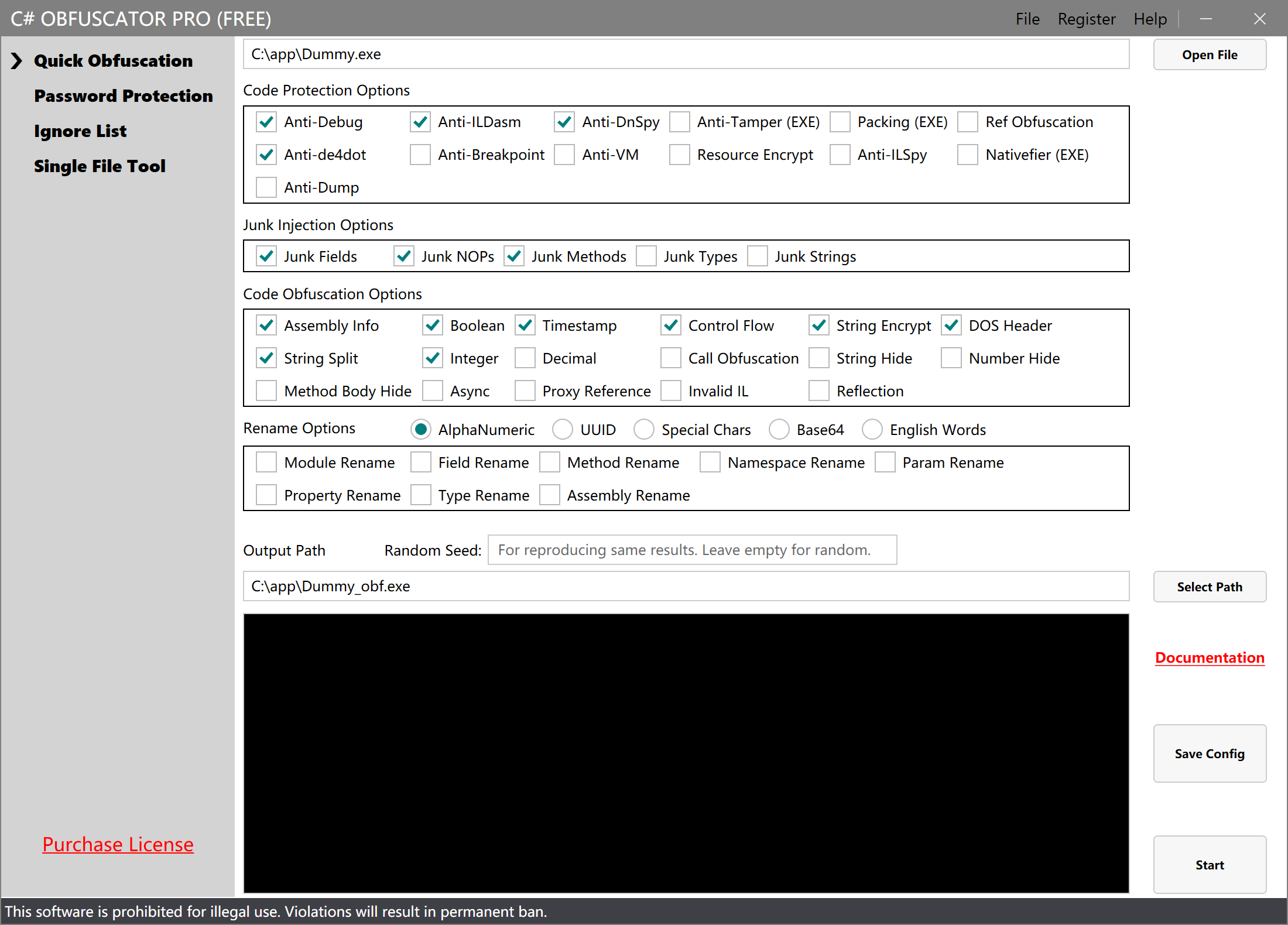
Select Obfuscation Options
- Choose the obfuscation options you want to use. The default options generally provide the best compatibility. Additional options can enhance protection and can be selected based on your needs.
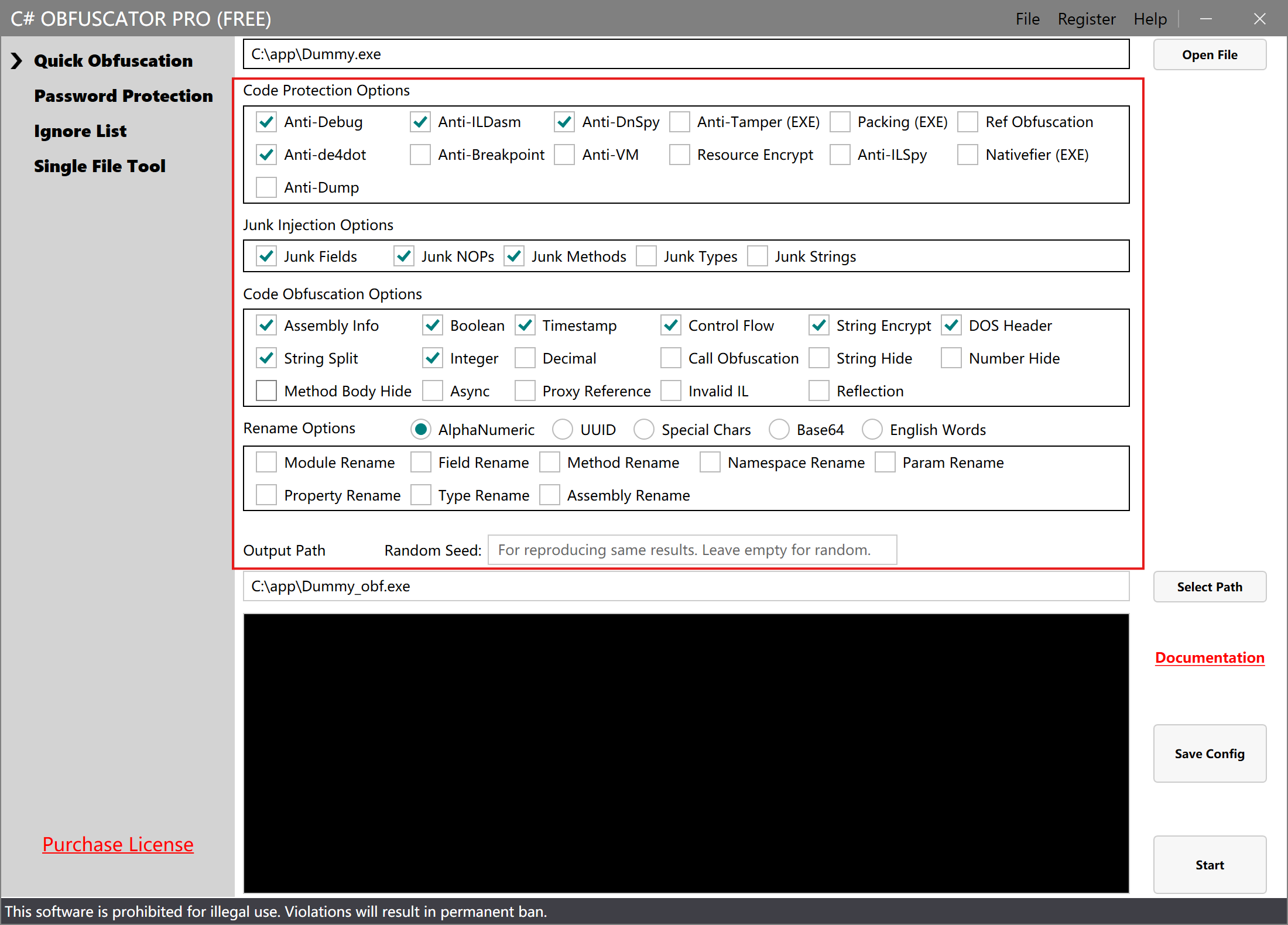
Choose Output Path
- Click the Select Path button and choose where you want to save the output file.
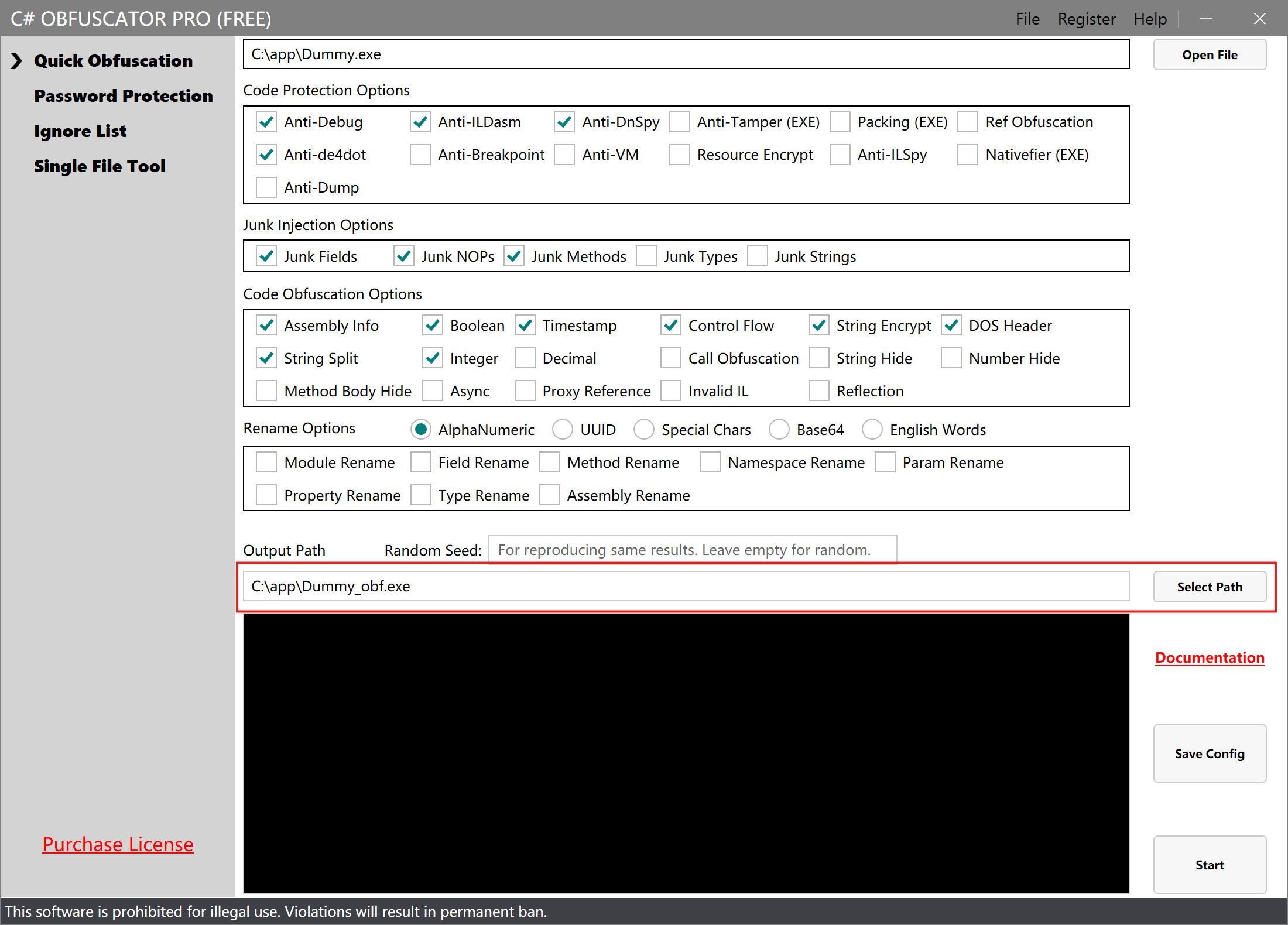
Start Processing
- Click the Start Processing button to begin obfuscation.
Processing Complete
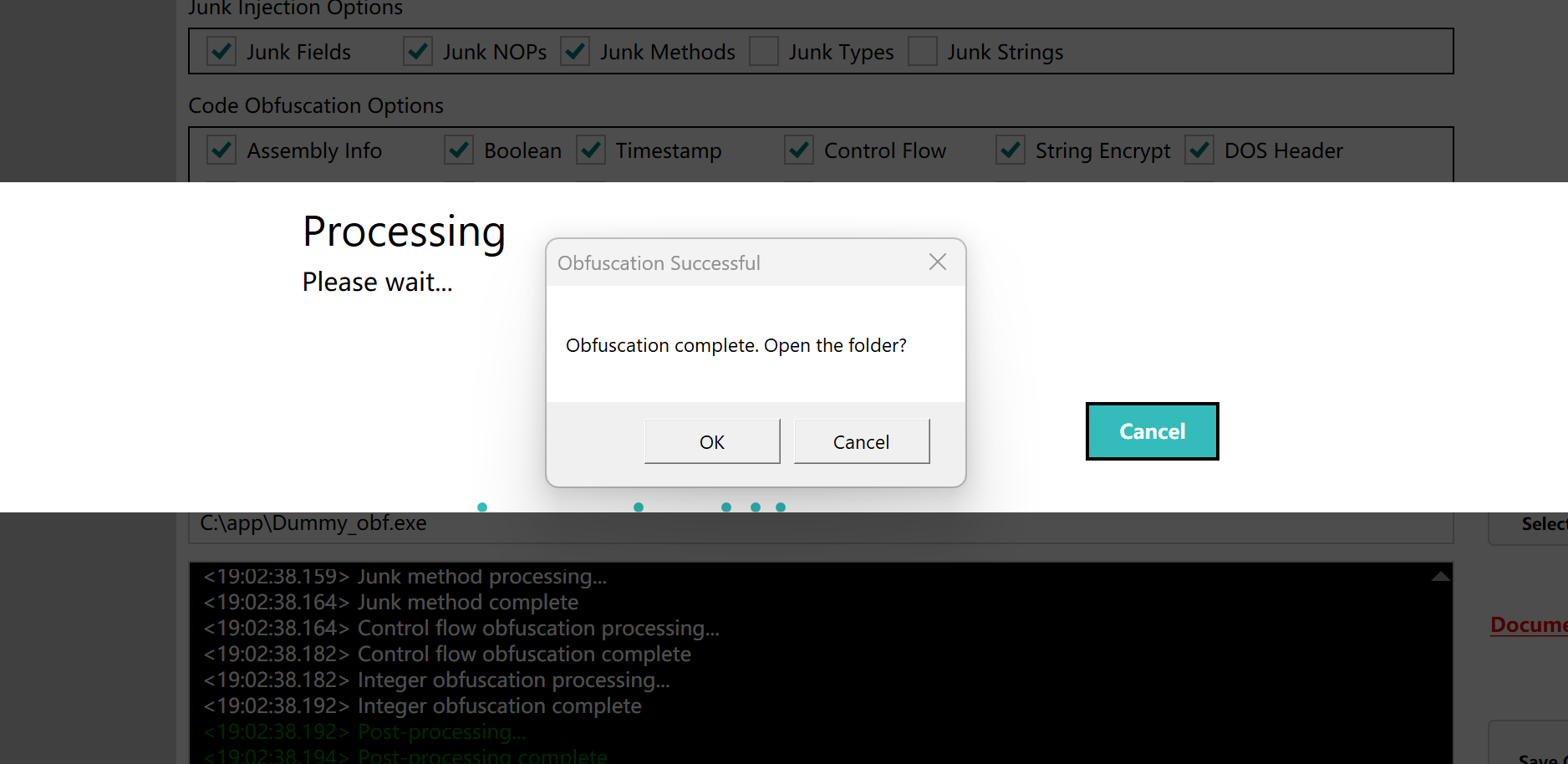
- After successful processing, a success message will be displayed.
Verify the Result
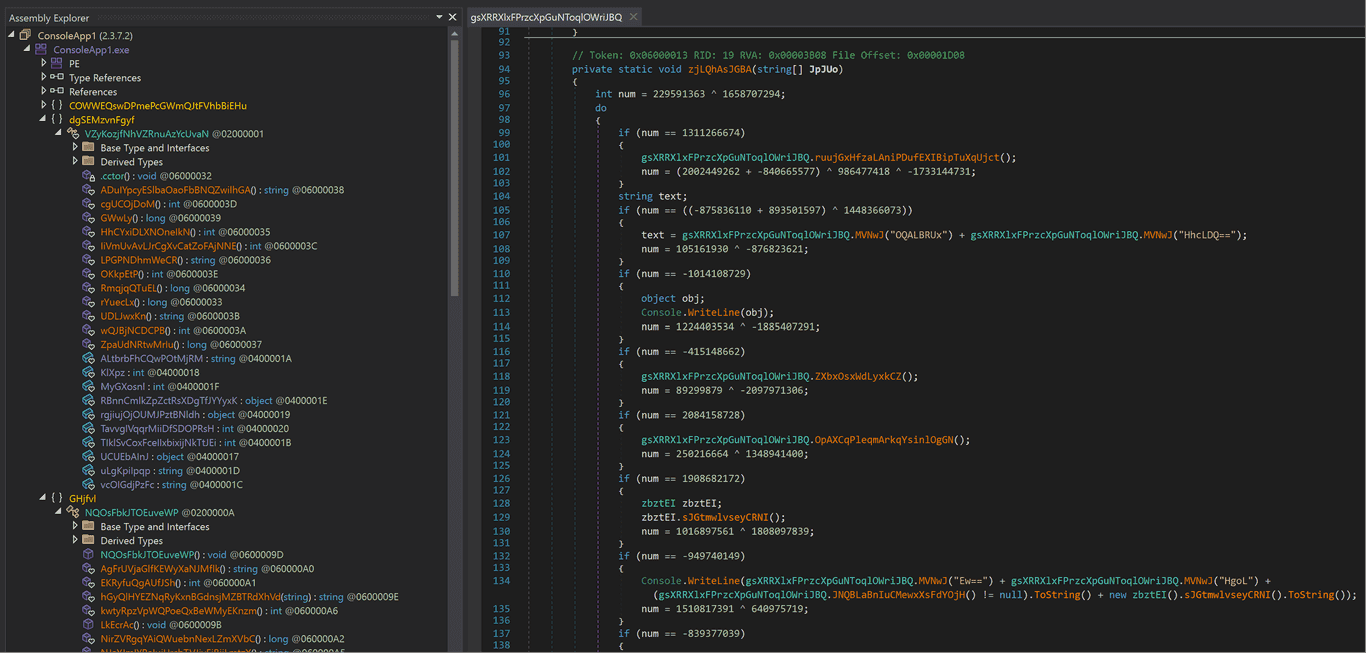
- Open the EXE file with a decompiler tool. You will see that the internal code is obfuscated and unreadable, strings are encrypted and unrecognizable, and decompilation fails.
Save Configuration
- You can click Save Configuration so that the software automatically loads your previous settings on next launch.